
We help organisations get real value from the full Microsoft stack: SharePoint intranets and document management, Teams adoption and governance, Copilot readiness, and M365 migration.
Microsoft Ecosystem
Too many SharePoint deployments end up as digital filing cabinets nobody uses. We focus on adoption as much as architecture, designing environments that are intuitive, well-structured, and genuinely useful from day one.
Whether you are starting fresh, migrating from an older system, or simply need to make the most of what you already have, we bring both the technical expertise and the change management experience to make it stick.
News and content publishing, minor page updates, content structure advice, and responding to queries from internal teams.
Site configuration, permissions guidance, and document library setup across SharePoint Online and on-premises environments.
Recommendations for intranet usability and page layout improvements so staff actually want to use what we build.
Taxonomy design, metadata schemas, content types, and search optimisation to make documents findable across your sites.
Microsoft Purview sensitivity labelling, retention policies, GDPR-aligned access controls, and oversharing risk reviews.
Power Automate workflows for approvals and routing, Power Apps replacing paper-based forms, and automated compliance reporting.
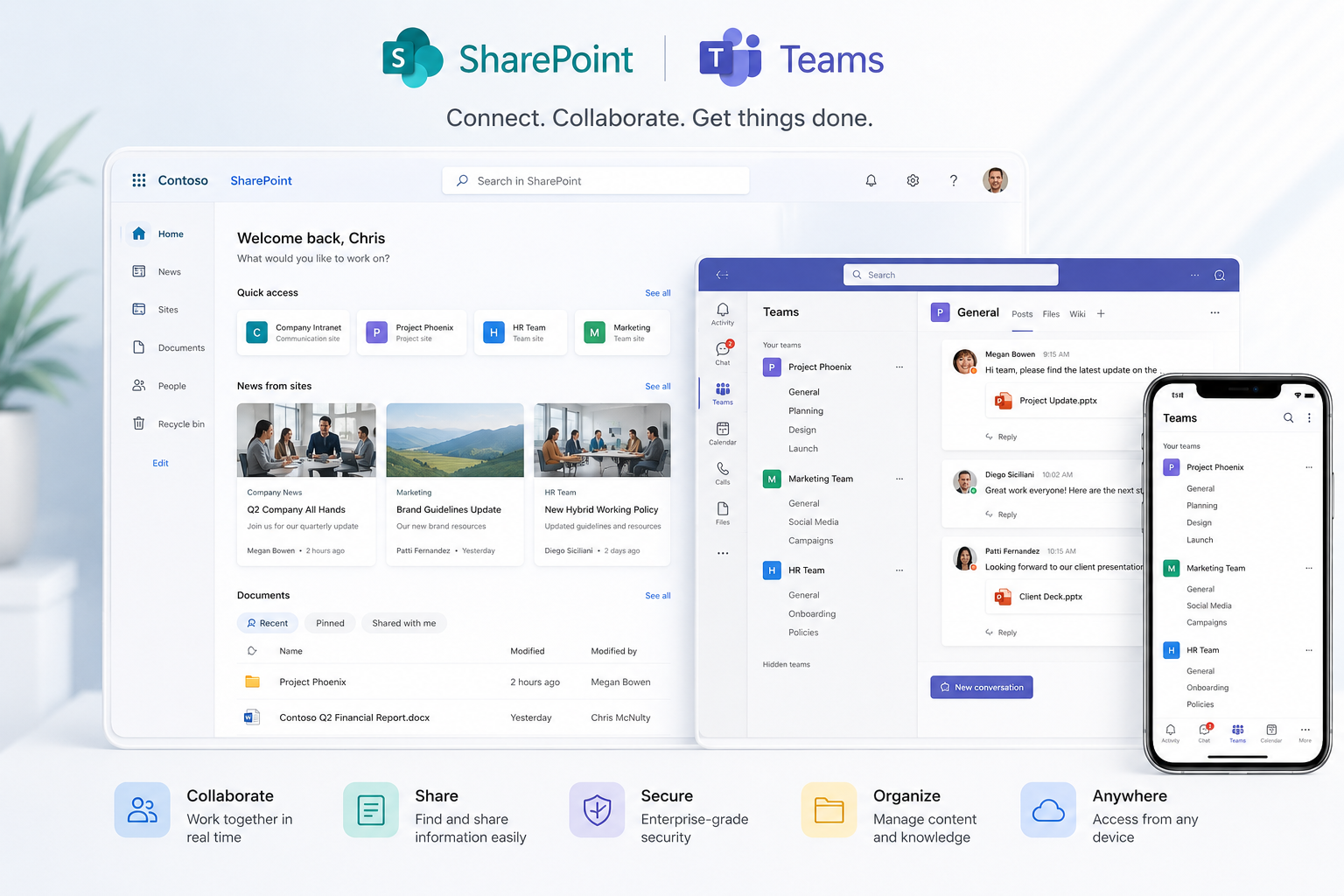
Microsoft Copilot draws on your SharePoint content. If that content is poorly structured, inconsistently labelled, or overshared, Copilot will reflect those problems back to you. We help you get the foundations right before and during rollout.
We review your tenant setup, data governance posture, licensing, and content hygiene to establish whether your environment is ready for Copilot and what needs to change before rollout.
Copilot surfaces content based on existing permissions. We audit your permission model and flag any content accessible to users who should not see it, before Copilot makes that visible.
Use-case identification, prompting best practices, and a structured adoption plan so staff know how to get value from Copilot in their day-to-day work.
A dedicated SharePoint site for your Copilot rollout, including a curated prompts library, linked training resources, and a space for staff to share what is working.
Hands-on workshops for teams covering practical Copilot use cases, effective prompting, and best practice. Delivered as a half-day session for up to 15 staff.
Copilot features evolve quickly. We provide ongoing guidance as Microsoft releases updates, ensuring your team keeps pace and your environment stays well-governed.
Teams, SharePoint, and OneDrive are tightly connected. Poorly governed Teams environments create SharePoint sprawl and make content hard to find. We help you design a structure that keeps all three working together cleanly.
Naming policies, provisioning controls, and lifecycle management so Teams does not grow out of control.
Aligning Teams channels with SharePoint document libraries so files are stored consistently and found easily.
Policies and ownership models that keep your Microsoft 365 environment well-managed as your organisation grows.
Skynovia has delivered SharePoint migrations at every scale, from single-department file shares through to multi-terabyte, multi-site programmes for large organisations. Every project is scoped individually based on data volume and complexity.
Migration of on-premises file servers and shared drives into SharePoint Online and OneDrive. Includes pre-migration assessment, permissions clean-up, duplicate file remediation, phased department-by-department migration, and post-migration support.
Migration from legacy ECM and document management platforms such as OpenText Content Server, and from on-premises SharePoint (2013, 2016, 2019) to SharePoint Online. Full content, metadata, and permissions mapping between source and target.
Migration delivery using industry-standard tools including ShareGate, with pilot runs, staged cutovers, and PowerShell-based reporting for permissions and content validation. Sensitivity labelling and retention policy application included as part of migration where required.
A structured path from audit to a SharePoint environment your team will actually use.
We review your current setup, interview key users, and map out what is needed.
We design the structure, sites, libraries, and navigation before touching a single setting.
We build and brand your environment, including any custom web parts or workflows.
Existing content is migrated cleanly, with metadata applied and duplicates removed.
Rollout with user training, quick-reference guides, and a support window post-launch.
Alongside ongoing support packages, all of the following are available as standalone engagements. Get in touch to discuss scope and timelines.
Review of tenant setup, data governance, licensing, and rollout readiness for Microsoft 365 Copilot.
Hands-on session covering practical Copilot use cases, prompting, and best practice for a team of up to 15.
A dedicated Copilot site on your intranet with a curated prompts library and linked training materials.
Audit of site structure, permissions, storage, and performance with a prioritised findings report.
Scoped project to migrate, restructure, or refresh an existing intranet. Quoted based on scope.
ShareGate-led migration from on-premises file servers to SharePoint Online and OneDrive, including permissions mapping and clean-up.
Migration from legacy ECM platforms or on-premises SharePoint to SharePoint Online. Scoped individually based on complexity.
Design of Teams naming, provisioning, and lifecycle governance, plus Teams, SharePoint, and OneDrive integration guidance.
Review of taxonomy, metadata, and content types with recommendations to improve findability across sites.
Design and build of a Power Automate workflow replacing a manual process, including approvals, routing, and notifications.
Recurring review of usage analytics and UX recommendations to keep the intranet performing well over time.
Regular lunch-and-learn sessions keeping staff up to date on SharePoint, Teams, and Copilot best practice.
Real deployments, real outcomes. Four common problems we solve for organisations every day.
A professional services firm had critical documents scattered across shared network drives with no version control, no consistent naming, and no way to search effectively. Staff were emailing files to each other to avoid overwriting changes. We designed and built a structured SharePoint document library, logical hierarchy, metadata tagging, granular permissions, and full-text search.
→ Any document found in under 30 seconds. Version conflicts eliminated. Staff trained and using it from day one.
A 200-person business operating across three sites had no central hub. Policies lived in email chains, announcements were made in Teams messages that got buried, and new starters had no single place to get started. We designed and built a branded SharePoint intranet, department hubs, news feed, HR self-service, policies library, and a new starter journey.
→ 94% team adoption within the first month. HR query volume cut by half. Onboarding time reduced by three days.
A legal team was chasing document sign-offs by email, no audit trail, no visibility of status, approvers missing requests in overflowing inboxes. Documents sometimes got signed by the wrong person or the wrong version. We built a Power Automate workflow that routes every document to the right approver, sends reminders, escalates when overdue, and logs every decision with a timestamp.
→ Approval time cut from 5 days to same-day. Full audit trail in place. Zero wrong-version sign-offs since launch.
A mid-sized business was still running an on-premise SharePoint 2013 environment, slow, unsupported, and impossible to access remotely. They needed to migrate to SharePoint Online without losing years of documents or disrupting daily operations. We planned and executed a phased migration with no downtime, applying new metadata and structure as we went.
→ Migration completed with zero data loss. Remote access unlocked for 180 staff. Running costs reduced by 60%.
Whether it's a new build or rescuing an existing deployment, we'd love to help.
Get in Touch